 BeyondAwake
Shake it to stop it
BeyondAwake is an iPhone alarm you can stop by shaking the phone like a maraca. It counts each shake, and the alarm ends when you reach your number.

For iPhone and iPad. The yearly plan starts with a 7-day free trial.
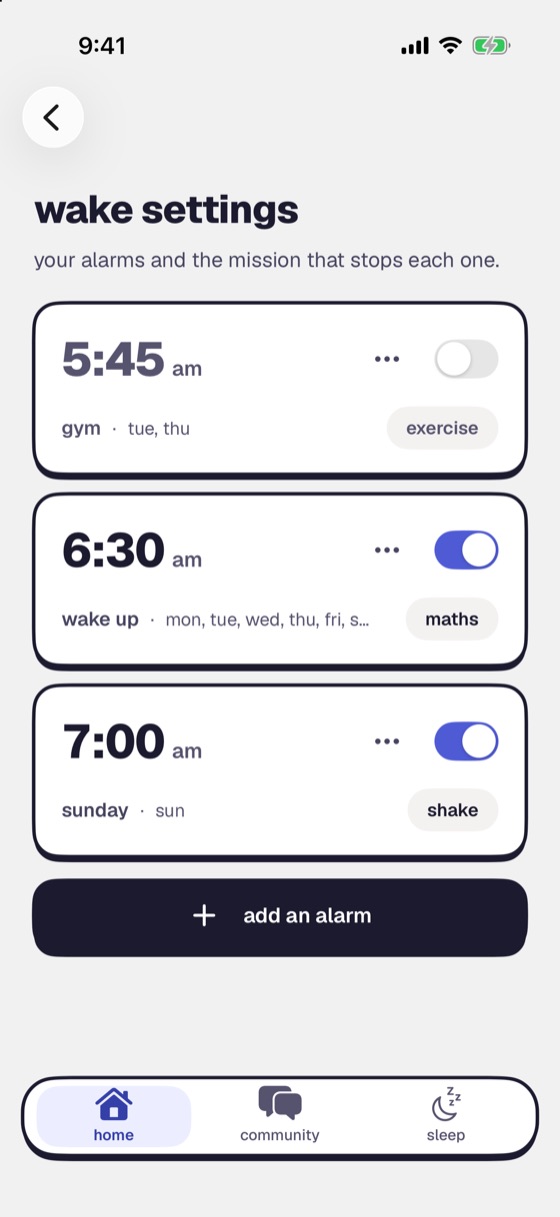
How the shake alarm works
Pick Shake and a count
Set how many shakes it takes.
Pick up the phone when it rings
The screen shows your count going up.
Shake until you hit your number
Then you're up, and the alarm stops.
Who it suits
Shake is the mission for mornings when you can't face reading a screen. There's no puzzle to solve and nothing to aim at. You only have to move.
Want more than a shake?
Steps
Walk a set number of steps.
Push-ups or squats
Counted by the camera.
Dance
Dance in front of the camera.
Every mission
This is one of sixteen. Change yours for any alarm.
- Steps
- Shake
- Push-ups
- Dance
- Maths
- Memory
- Colour clash
- Save the Clock
- Typing
- Lane Dash
- Object Scan
- Photo Match
- Sky Photo
- Affirmation
- Say on Beat
- Random
Questions
What happens if I swipe the alarm away?
It comes back within a minute, and it keeps coming back until the mission is done.
Does it ring if my phone is on silent?
Yes. It rings on silent and through Focus. It also survives a force-quit and a restart. Setup Check runs through permissions, volume and Focus before you sleep, so you know it will ring.
What if I really can't do the mission one morning?
There is an emergency stop for those mornings. It costs you a level, and you can switch it off in settings if you don't want the way out.
Which devices does it work on?
iPhone and iPad. Steps isn't offered on iPad, because an iPad can't count steps.
Made for heavy sleepers like you
Set tomorrow's alarm tonight and pick the mission that gets you out of bed.