 BeyondAwake
The alarm that wakes your brain first
BeyondAwake is an iPhone alarm you stop by solving a challenge: find the matching pairs, tap the colour of the ink, draw a line to save the clock, type a line, play a quick swipe game or do maths. You pick the challenge and how hard it is.

For iPhone and iPad. The yearly plan starts with a 7-day free trial.
How the puzzle alarm works
Pick a challenge
Memory, Colour clash, Save the Clock, Typing, Lane Dash or Maths.
Set how hard it is
Choose the difficulty, and how many rounds or puzzles.
Solve it to stop the ringing
The alarm ends when the challenge is done.
What the challenges look like
Six ways to wake your brain
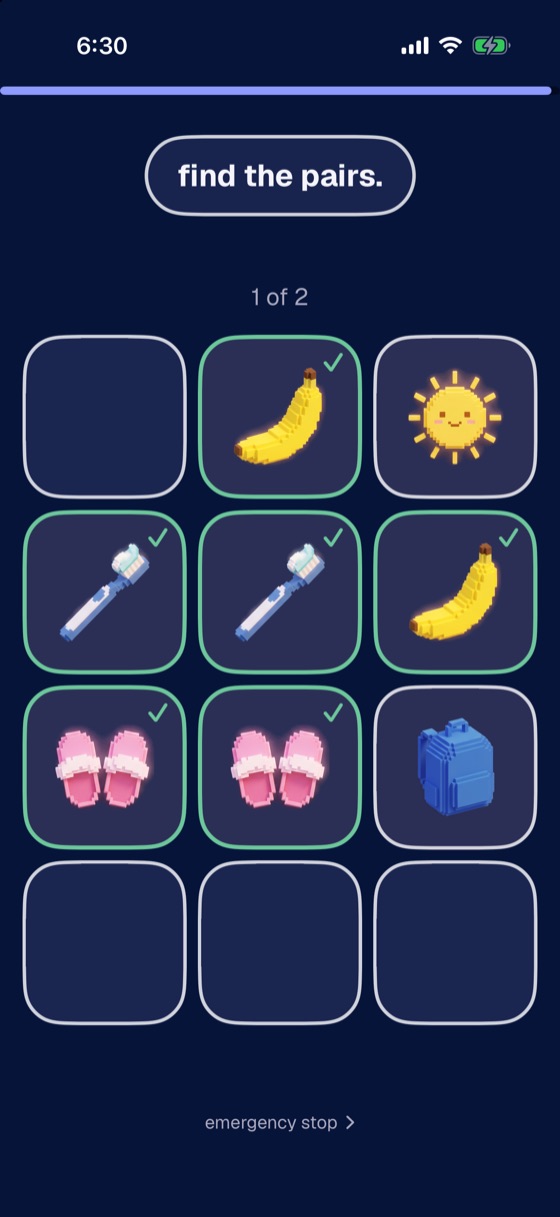
Memory
Find the matching pairs. Matched cards stay face up.
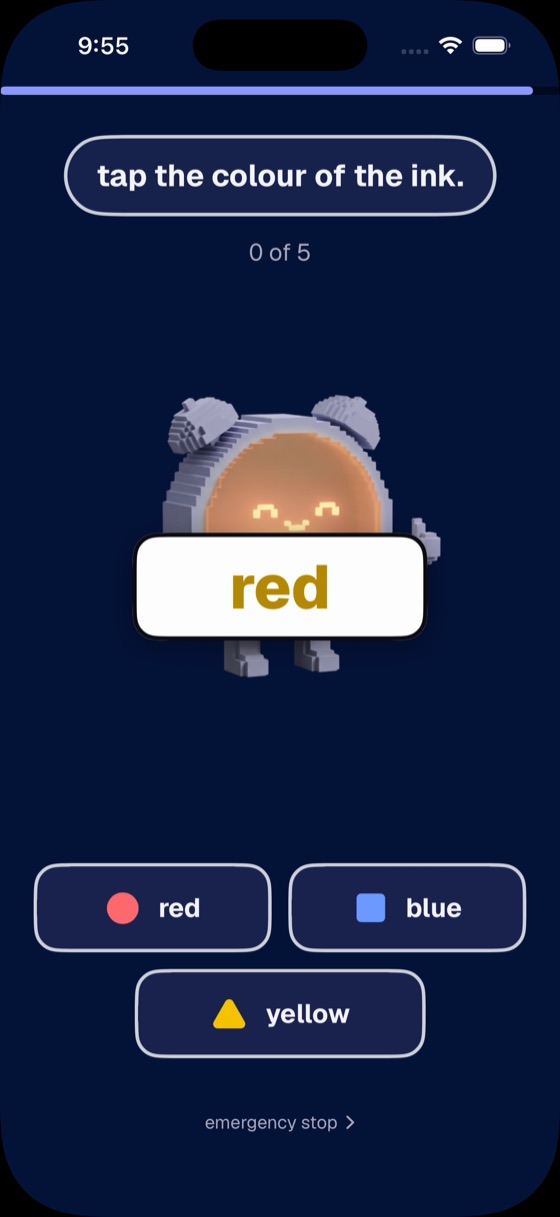
Colour clash
The word says one colour and the ink is another. Tap the colour of the ink.
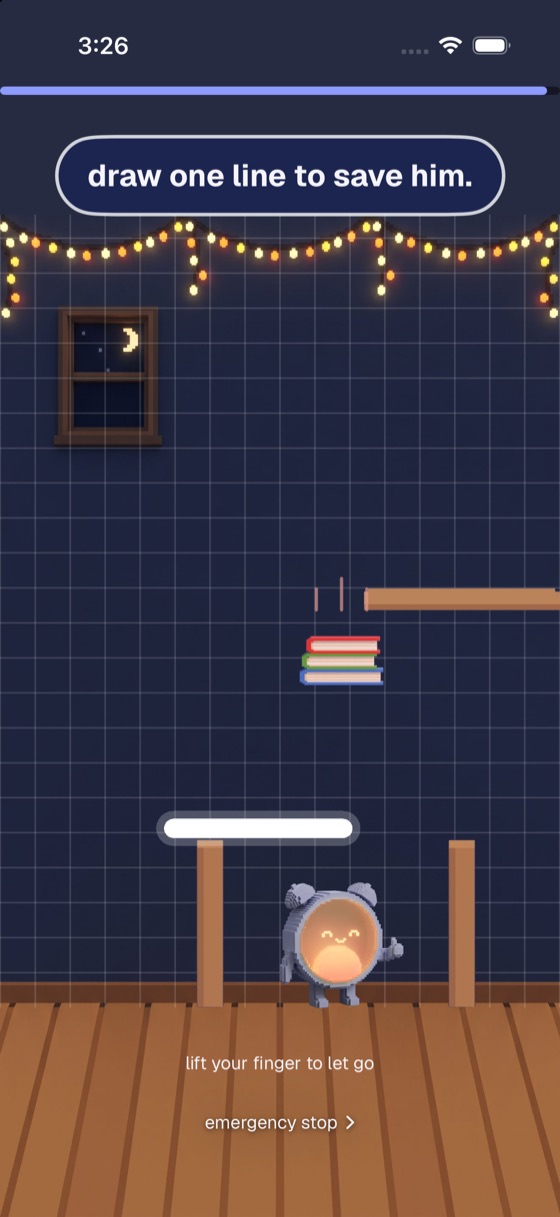
Save the Clock
Draw one line to protect the clock from what's about to fall on him.
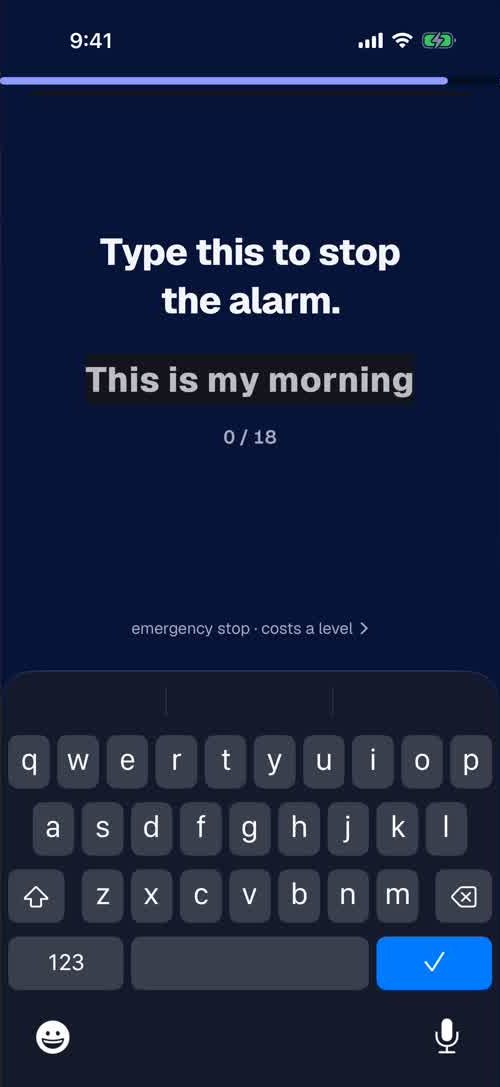
Typing
Type a short line to stop the alarm. It's silent, for when someone is asleep next to you.
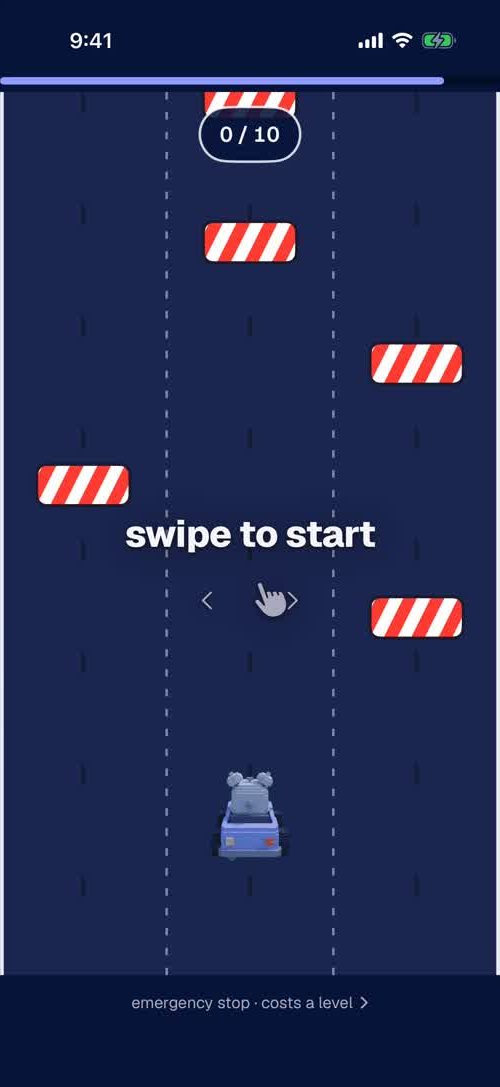
Lane Dash
A quick swipe game: dodge to the finish.
Maths
Solve arithmetic problems, from easy to super hard.
Bored of the same puzzle?
Choose Random and you get a surprise from your picks each morning, so you can't do it on autopilot.
Every mission
This is one of sixteen. Change yours for any alarm.
- Steps
- Shake
- Push-ups
- Dance
- Maths
- Memory
- Colour clash
- Save the Clock
- Typing
- Lane Dash
- Object Scan
- Photo Match
- Sky Photo
- Affirmation
- Say on Beat
- Random
Questions
What happens if I swipe the alarm away?
It comes back within a minute, and it keeps coming back until the mission is done.
Does it ring if my phone is on silent?
Yes. It rings on silent and through Focus. It also survives a force-quit and a restart. Setup Check runs through permissions, volume and Focus before you sleep, so you know it will ring.
What if I really can't do the mission one morning?
There is an emergency stop for those mornings. It costs you a level, and you can switch it off in settings if you don't want the way out.
Is BeyondAwake free?
BeyondAwake is a subscription. The yearly plan starts with a 7-day free trial and the monthly plan is billed from the first day. The price for your country is shown in the app before you pay.
Made for heavy sleepers like you
Set tomorrow's alarm tonight and pick the mission that gets you out of bed.