 BeyondAwake
Your alarm won't stop until you do your mission
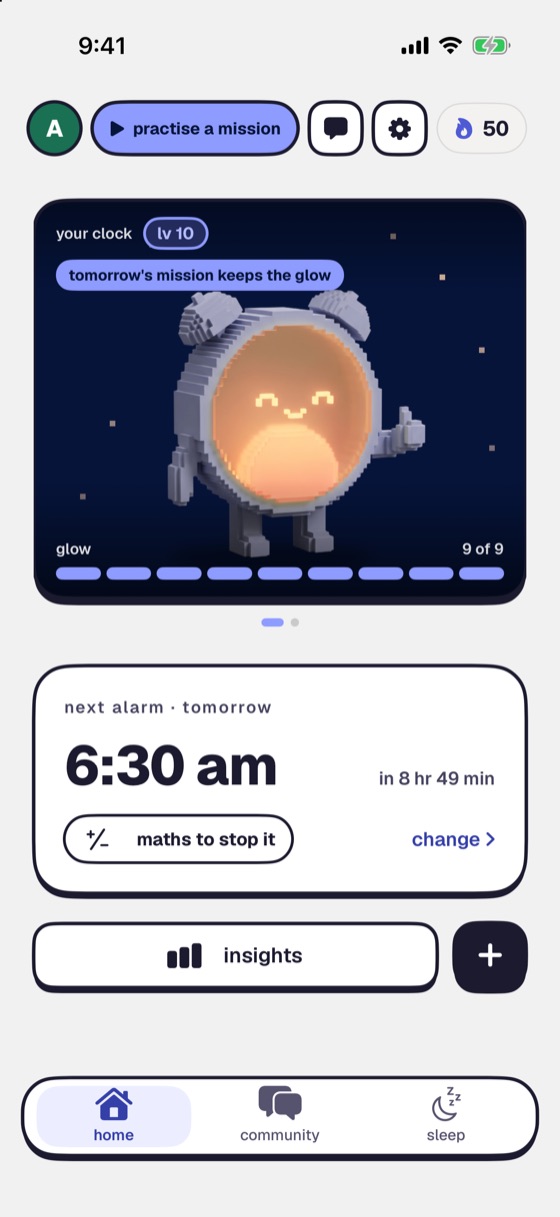
BeyondAwake is the alarm that keeps coming back until you're actually up. It rings on silent. Swipe it away and it's back within a minute, until the mission is done.

For iPhone and iPad. The yearly plan starts with a 7-day free trial.
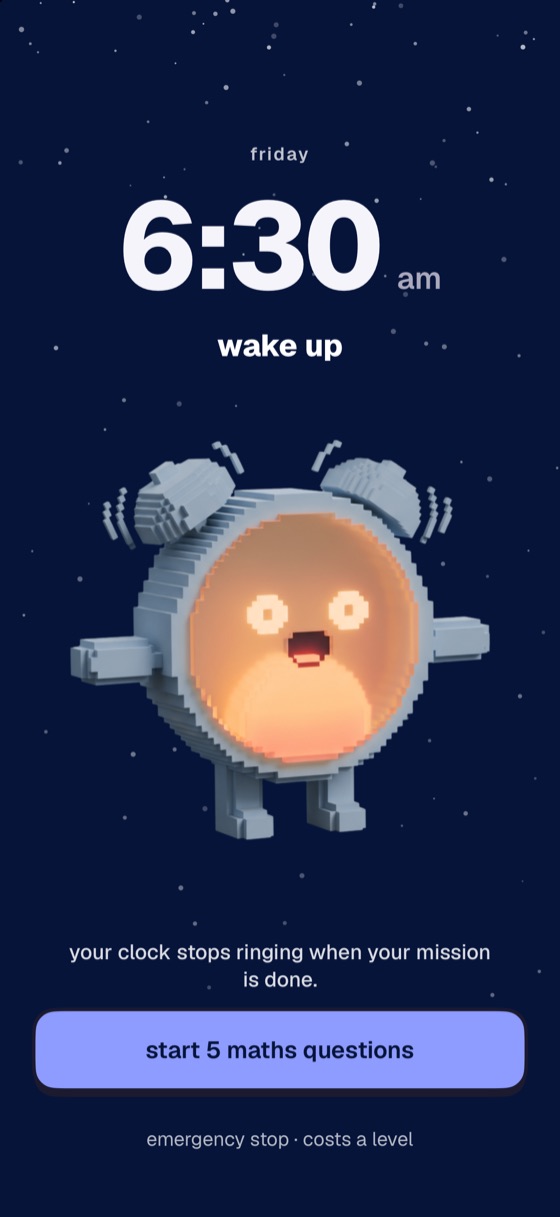
A simple way to finally wake up on time
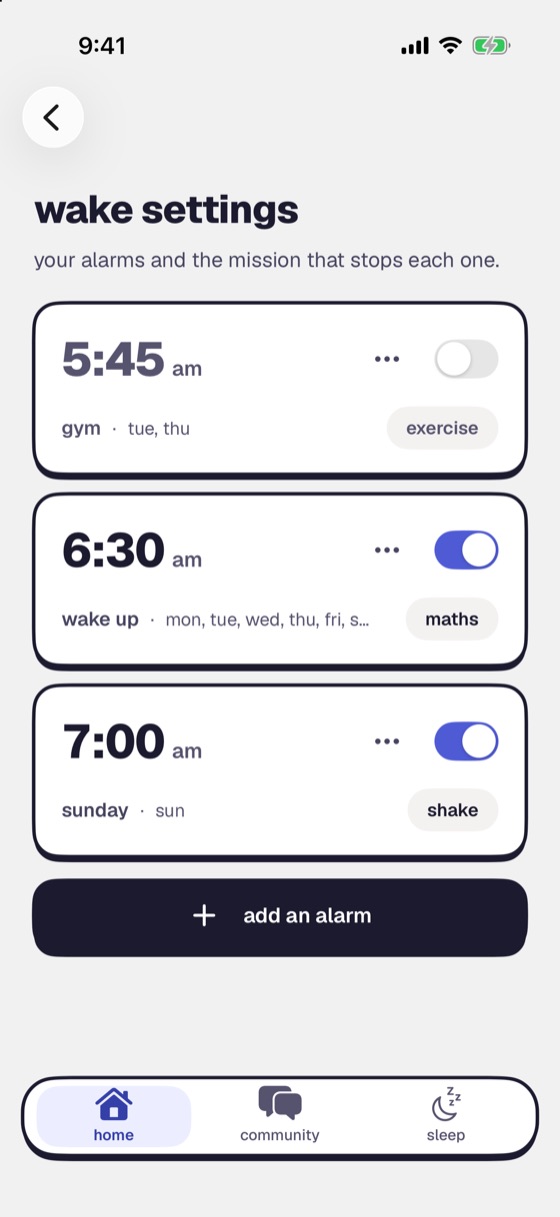
Set an alarm and pick a mission
Maths, a photo, steps, push-ups and more. You choose the night before.
It rings, whatever you do
On silent, through Focus, after a force-quit and after a restart. Swipe it away and it's back within a minute.
Finish the mission to stop it
None of them can be done from under the covers, half-asleep. So you get up.
Pick the mission that gets you out of bed
Sixteen missions, and you can change yours for every alarm.
get moving
Get your body out of bed first.
- Steps
- Shake
- Push-ups
- Dance
wake your brain
Switch your head on before the alarm stops.
- Maths
- Memory
- Colour clash
- Save the Clock
- Typing
- Lane Dash
use your camera
Walk to something and show it to the camera.
- Object Scan
- Photo Match
- Sky Photo
say it out loud
Use your voice.
- Affirmation
- Say on Beat
Can't choose? Random gives you a surprise from your picks each morning. See all sixteen missions
It actually rings
The alarm not going off is the reason most people give up on alarm apps.
- Rings on silent and through Focus. The ringer switch doesn't quiet it.
- Survives a force-quit and a restart. Closing the app doesn't cancel it.
- Comes back within a minute if you swipe it away, until the mission is done.
- Setup Check before you sleep. It runs through permissions, volume and Focus, so you know it will ring.
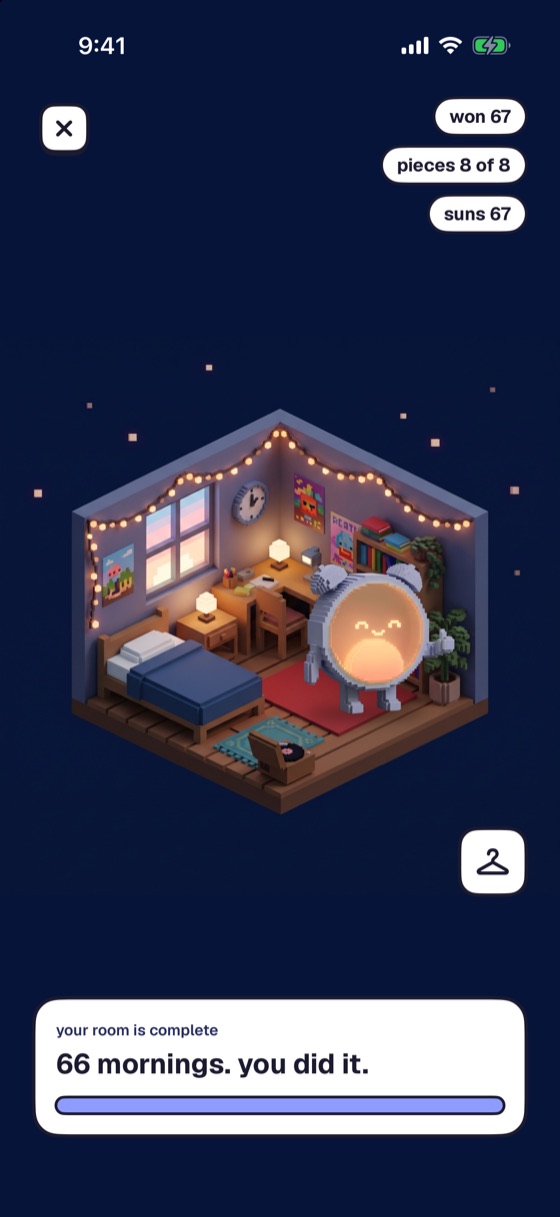
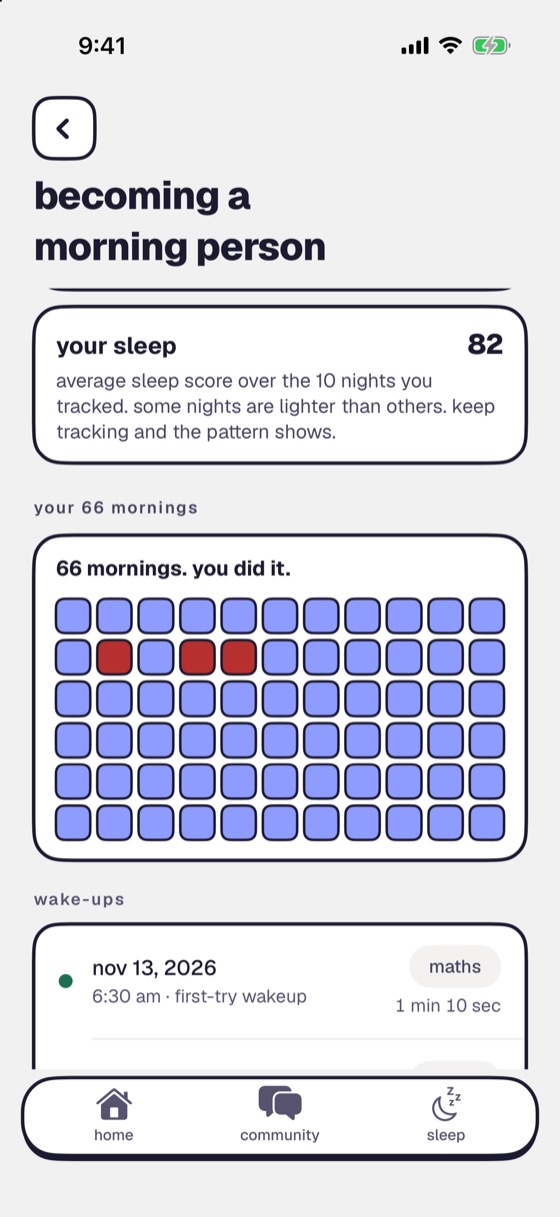
Become a morning person
Getting up once is easy. These are the reasons to do it again tomorrow.
Why you can't wake up, and what helps
Our guides on heavy sleep, snoozing and getting out of bed.
An alarm made for heavy sleepers
Why heavy sleepers switch alarms off without waking, what makes an alarm work for them, and how BeyondAwake is built for it.
Why can't I wake up to my alarm?
You hear it, turn it off and go back to sleep. Here is why that happens in the first minutes after waking, and what changes it.
Will my alarm go off on silent or in Do Not Disturb?
Yes. iPhone alarms sound on silent and in Do Not Disturb. Here is what does stop an alarm, and how to check yours tonight.
Bedtime calculator
Enter the time you need to wake up and get the bedtimes that let you finish whole sleep cycles. Free, no sign-up.
Questions
What is BeyondAwake?
BeyondAwake is an alarm app for iPhone and iPad. You pick a wake-up mission for each alarm, such as maths, push-ups, a photo or a walk. When the alarm rings, finishing the mission is the only way to stop it.
Is BeyondAwake free?
BeyondAwake is a subscription. The yearly plan starts with a 7-day free trial and the monthly plan is billed from the first day. The price for your country is shown in the app before you pay.
Does it ring if my phone is on silent?
Yes. It rings on silent and through Focus. It also survives a force-quit and a restart. Setup Check runs through permissions, volume and Focus before you sleep, so you know it will ring.
What happens if I swipe the alarm away?
It comes back within a minute, and it keeps coming back until the mission is done.
What if I really can't do the mission one morning?
There is an emergency stop for those mornings. It costs you a level, and you can switch it off in settings if you don't want the way out.
Which devices does it work on?
iPhone and iPad. Steps isn't offered on iPad, because an iPad can't count steps.
How do I cancel?
You cancel in your App Store account settings, at least 24 hours before the period ends. Our cancel page walks you through it.
Made for heavy sleepers like you
Set tomorrow's alarm tonight and pick the mission that gets you out of bed.