 BeyondAwake
iPhone alarm not going off: what to check
When an iPhone alarm doesn't go off, the cause is usually one of three things: the Ringtone and Alerts volume is down, the alarm sound is set to None, or the alarm was set for the wrong day or for pm. Work through the seven checks below in order.
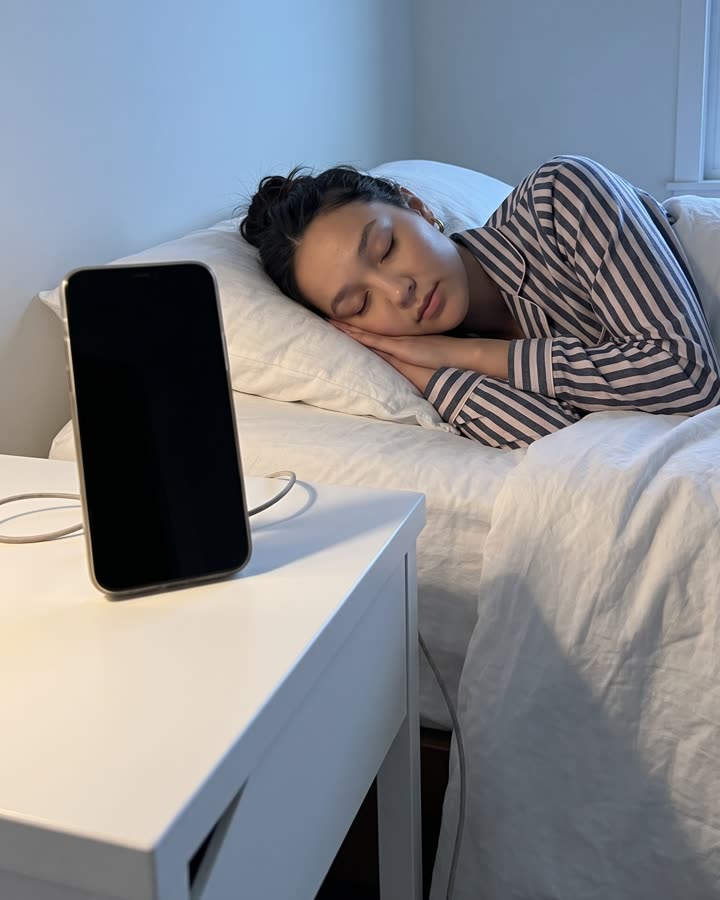
The seven checks
- Is the alarm switched on, for the right day, am or pm? Open Clock and look at the toggle and the repeat days.
- Is the alarm volume up? Open Settings, then Sounds & Haptics, and drag the Ringtone and Alerts slider up [1].
- Does the alarm have a sound? In Clock, tap the alarm, tap Sound, and make sure it isn't None [1].
- Was the phone in StandBy? Vibration for alarms is off in StandBy, so an alarm with no sound stays silent [1].
- Was the time changed by hand? Apple warns that changing the time manually in Settings can affect alarms [1]. Set it back to automatic.
- Was the phone on, with charge? No alarm rings on a phone that is off.
- Is iOS up to date? Restart the phone and install any waiting update.
Things you can rule out
- Silent mode and Do Not Disturb. Neither affects the alarm sound [1].
- Headphones or a speaker. The alarm plays through the iPhone's own speaker as well [1].
If it rang and you don't remember
This is more common than a broken alarm. In the minutes after waking, your thinking is impaired, and people switch alarms off without keeping any memory of it. We wrote about it in why you sleep through alarms.
How BeyondAwake handles this
BeyondAwake's Setup Check runs through permissions, volume and Focus before you sleep, so you find the problem at night and not at 7 am. The alarm rings on silent, and it comes back within a minute if you swipe it away.
For a flight or anything you can't miss, set a second alarm on another device as well.
BeyondAwake is the alarm that comes back until you're up.

- Apple Support. How to set and change alarms on your iPhone. https://support.apple.com/en-us/118444